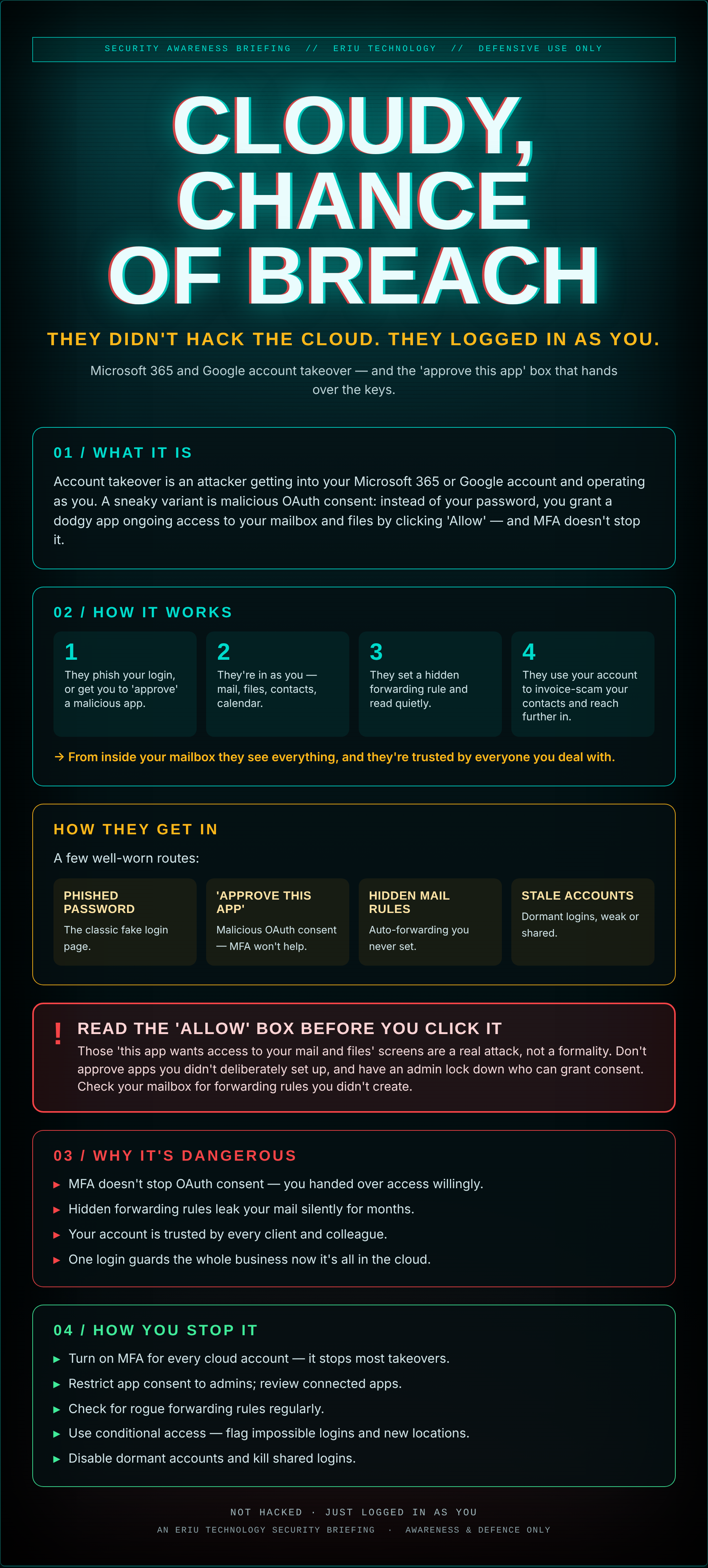
Your business lives in the cloud now — mail, files, calendars, the lot. Which means the lock on the whole business is one login.
An attacker doesn't need to breach Microsoft. They just need to be you: a phished password, or a slick 'approve this app to continue' screen you clicked through without reading. Now there's a quiet rule forwarding your mail to them, and you've no idea.
The cloud didn't fail. The front door did — and the front door is a single sign-in.
What it actually is
Account takeover is an attacker getting into your Microsoft 365 or Google account and operating as you. A sneaky variant is malicious OAuth consent: instead of your password, you grant a dodgy app ongoing access to your mailbox and files by clicking 'Allow' — and MFA doesn't stop it.
01How it works
- They phish your login, or get you to 'approve' a malicious app.
- They're in as you — mail, files, contacts, calendar.
- They set a hidden forwarding rule and read quietly.
- They use your account to invoice-scam your contacts and reach further in.
→ From inside your mailbox they see everything, and they're trusted by everyone you deal with.
How they get in
A few well-worn routes:
- Phished password — The classic fake login page.
- 'Approve this app' — Malicious OAuth consent — MFA won't help.
- Hidden mail rules — Auto-forwarding you never set.
- Stale accounts — Dormant logins, weak or shared.
Those 'this app wants access to your mail and files' screens are a real attack, not a formality. Don't approve apps you didn't deliberately set up, and have an admin lock down who can grant consent. Check your mailbox for forwarding rules you didn't create.
02Why it's dangerous
- MFA doesn't stop OAuth consent — you handed over access willingly.
- Hidden forwarding rules leak your mail silently for months.
- Your account is trusted by every client and colleague.
- One login guards the whole business now it's all in the cloud.
03How you stop it
- Turn on MFA for every cloud account — it stops most takeovers.
- Restrict app consent to admins; review connected apps.
- Check for rogue forwarding rules regularly.
- Use conditional access — flag impossible logins and new locations.
- Disable dormant accounts and kill shared logins.
An Eriu Technology security briefing. Awareness and defence only. When the whole business is one login, that login deserves more than one lock.