The laptop's in the boot for twenty minutes while you grab a coffee. You come back and the window's gone in. So's the bag.
If that laptop was encrypted and locked, you've lost a few hundred quid of hardware and a bad afternoon. If it wasn't, you've lost every file on it, every saved password in the browser, and possibly a reportable data breach — to whoever now owns it.
The difference between a shrug and a catastrophe is one setting you turn on once and forget.
What it actually is
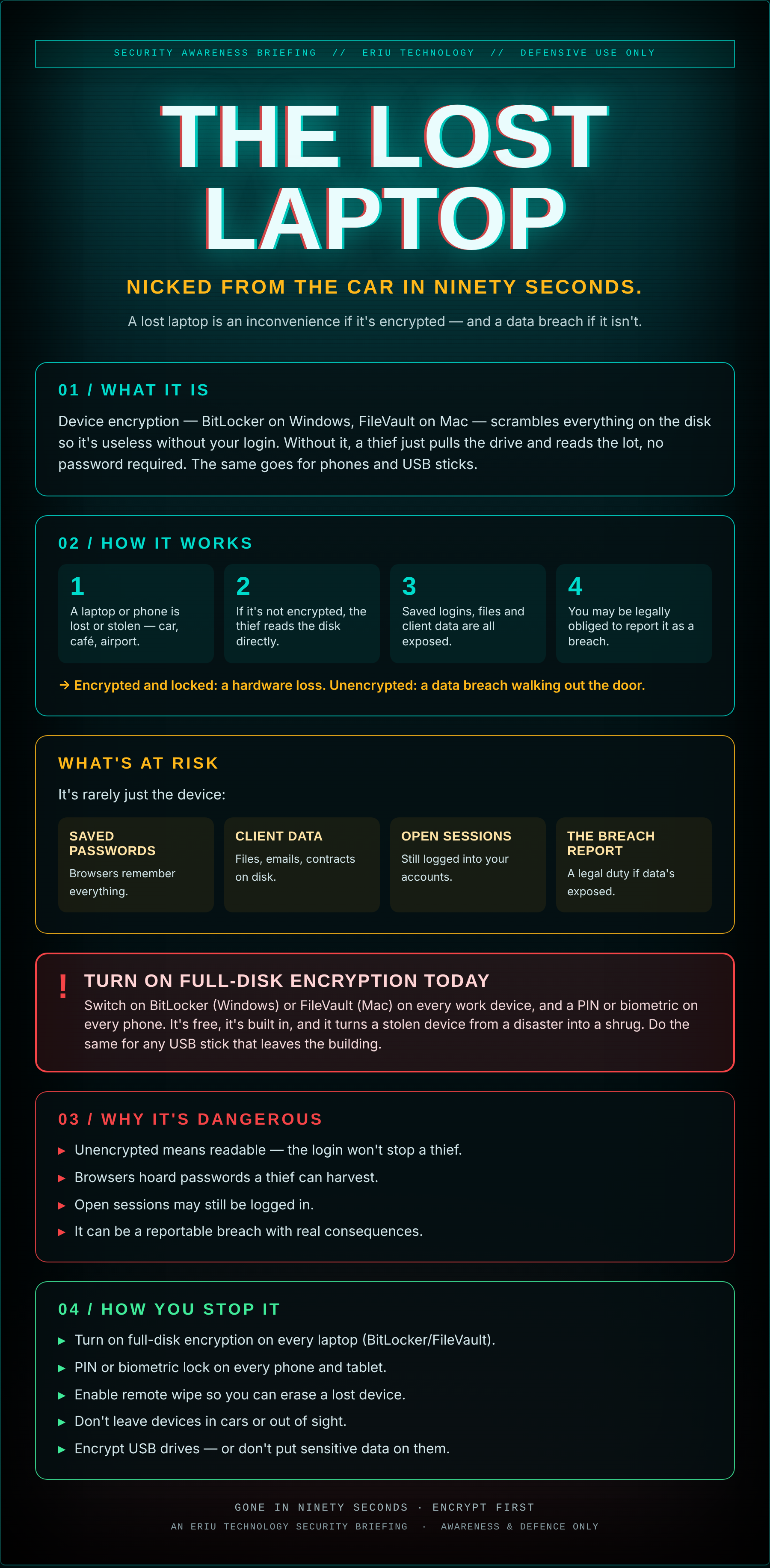
Device encryption — BitLocker on Windows, FileVault on Mac — scrambles everything on the disk so it's useless without your login. Without it, a thief just pulls the drive and reads the lot, no password required. The same goes for phones and USB sticks.
01How it works
- A laptop or phone is lost or stolen — car, café, airport.
- If it's not encrypted, the thief reads the disk directly.
- Saved logins, files and client data are all exposed.
- You may be legally obliged to report it as a breach.
→ Encrypted and locked: a hardware loss. Unencrypted: a data breach walking out the door.
What's at risk
It's rarely just the device:
- Saved passwords — Browsers remember everything.
- Client data — Files, emails, contracts on disk.
- Open sessions — Still logged into your accounts.
- The breach report — A legal duty if data's exposed.
Switch on BitLocker (Windows) or FileVault (Mac) on every work device, and a PIN or biometric on every phone. It's free, it's built in, and it turns a stolen device from a disaster into a shrug. Do the same for any USB stick that leaves the building.
02Why it's dangerous
- Unencrypted means readable — the login won't stop a thief.
- Browsers hoard passwords a thief can harvest.
- Open sessions may still be logged in.
- It can be a reportable breach with real consequences.
03How you stop it
- Turn on full-disk encryption on every laptop (BitLocker/FileVault).
- PIN or biometric lock on every phone and tablet.
- Enable remote wipe so you can erase a lost device.
- Don't leave devices in cars or out of sight.
- Encrypt USB drives — or don't put sensitive data on them.
An Eriu Technology security briefing. Awareness and defence only. Encryption is free and built in; it's the one setting that turns stolen hardware into just stolen hardware.