Nobody thinks of the office printer as a computer. Or the security camera, or the router, or the smart TV in the meeting room. They're just… things that work.
But every one of them is a little computer on your network, often with a default password still set to 'admin,' software last updated the day it was made, and a direct line to everything else you own. Attackers love them precisely because nobody's looking.
You locked the laptops and forgot the kettle had Wi-Fi. That's the soft underbelly.
What it actually is
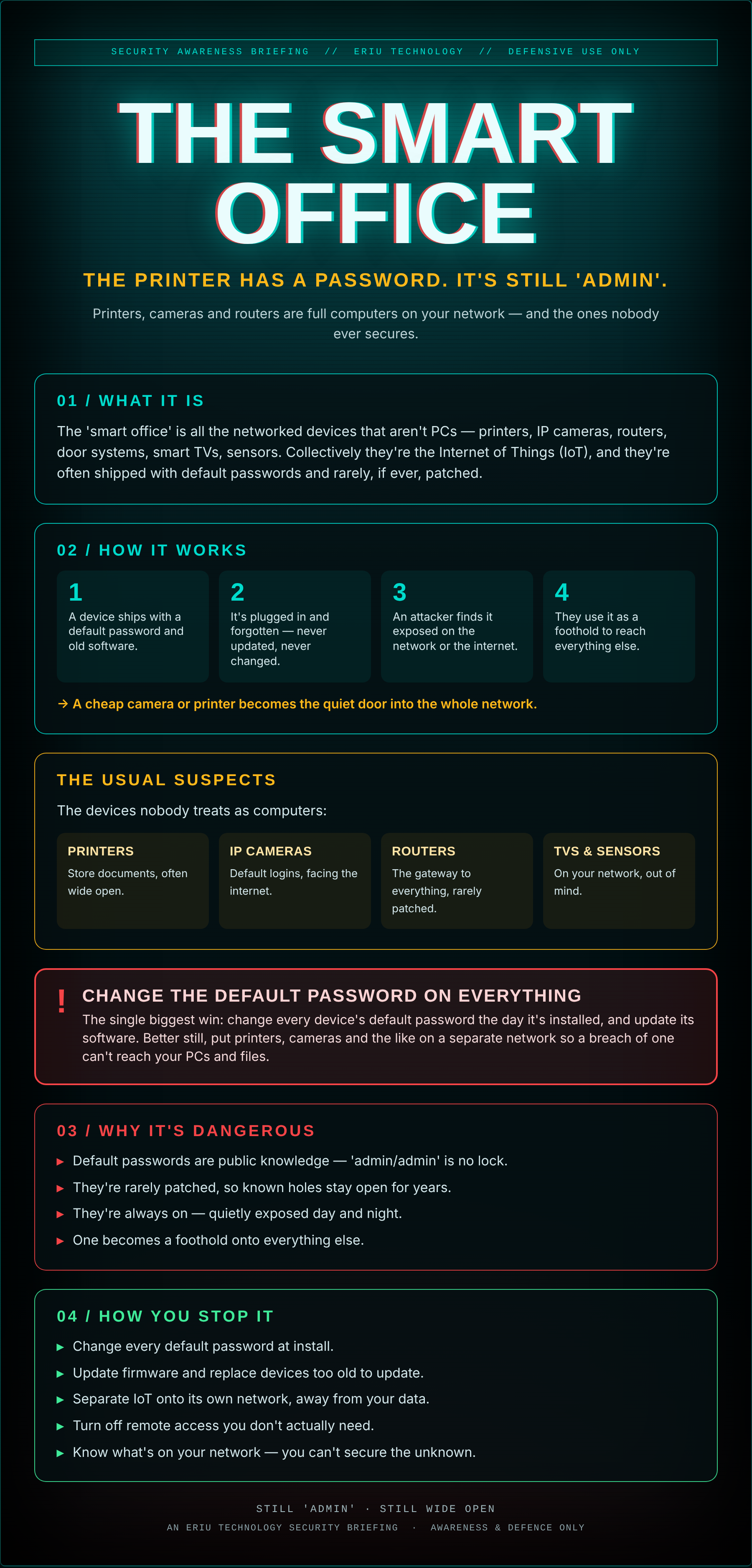
The 'smart office' is all the networked devices that aren't PCs — printers, IP cameras, routers, door systems, smart TVs, sensors. Collectively they're the Internet of Things (IoT), and they're often shipped with default passwords and rarely, if ever, patched.
01How it works
- A device ships with a default password and old software.
- It's plugged in and forgotten — never updated, never changed.
- An attacker finds it exposed on the network or the internet.
- They use it as a foothold to reach everything else.
→ A cheap camera or printer becomes the quiet door into the whole network.
The usual suspects
The devices nobody treats as computers:
- Printers — Store documents, often wide open.
- IP cameras — Default logins, facing the internet.
- Routers — The gateway to everything, rarely patched.
- TVs & sensors — On your network, out of mind.
The single biggest win: change every device's default password the day it's installed, and update its software. Better still, put printers, cameras and the like on a separate network so a breach of one can't reach your PCs and files.
02Why it's dangerous
- Default passwords are public knowledge — 'admin/admin' is no lock.
- They're rarely patched, so known holes stay open for years.
- They're always on — quietly exposed day and night.
- One becomes a foothold onto everything else.
03How you stop it
- Change every default password at install.
- Update firmware and replace devices too old to update.
- Separate IoT onto its own network, away from your data.
- Turn off remote access you don't actually need.
- Know what's on your network — you can't secure the unknown.
An Eriu Technology security briefing. Awareness and defence only. If it's on your network and it has a password, it's a computer — treat it like one.